 Leafprint
Traffic and dashboard
Judge your channels by who they bring, not just how many
Most analytics tools count sessions. The dashboard and Traffic areas add a more useful question: which of those visits turned into someone you could identify?
Where visits come from
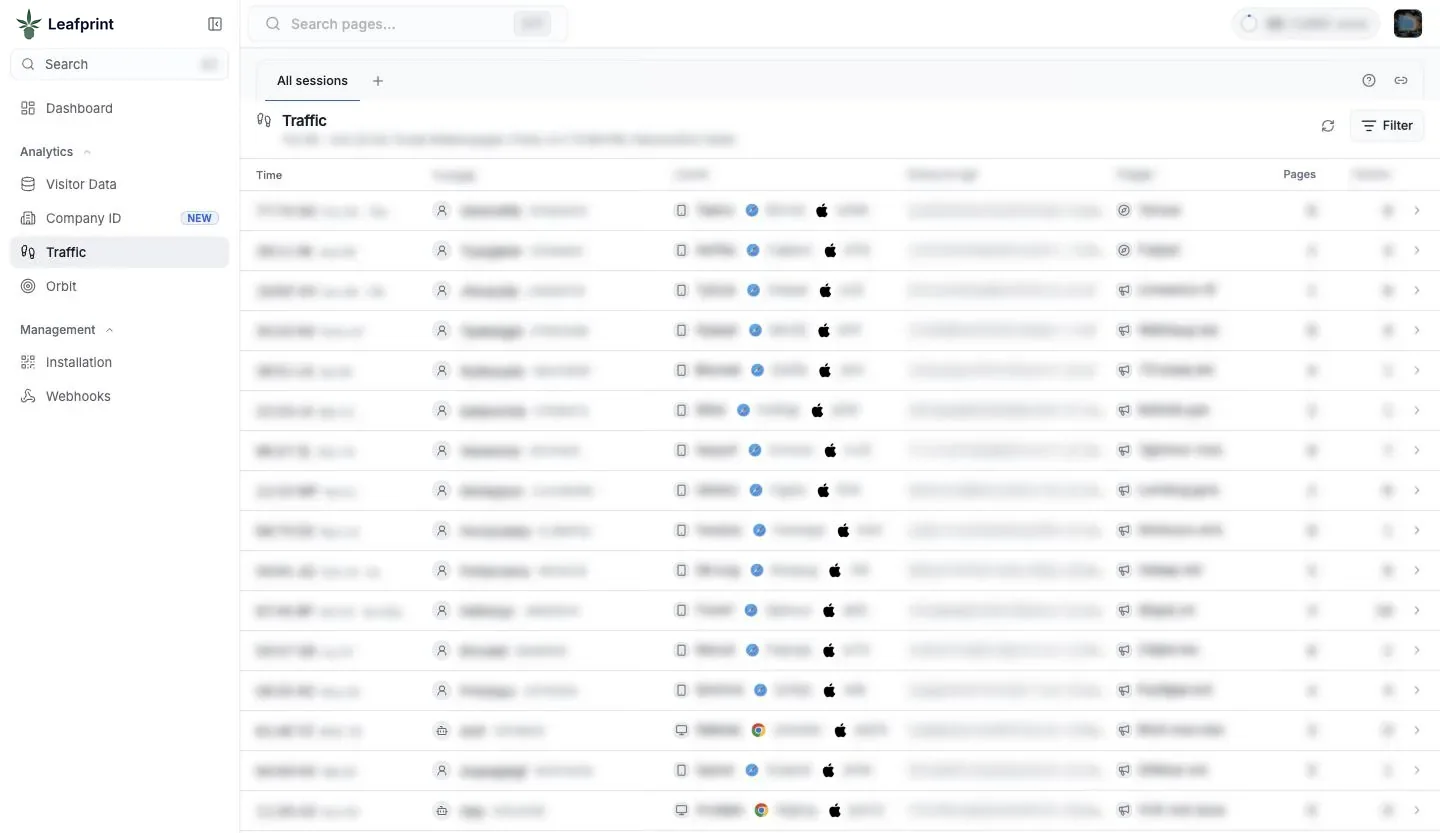
Traffic breaks down your visits by referring source, so search, social, email, referral, and direct visits can be read side by side. Because it sits next to your identification data, you can move from a channel to the kinds of people and companies it delivered.
A channel that sends fewer visits can still be your best one if those visits belong to the customers you want. Raw session counts will never show you that.
Questions this helps answer
- Is my paid spend reaching real prospects? Compare what each campaign source delivers in the portal against your cost for that channel.
- Which pages hold attention? Clicks, scrolling, and video plays go beyond a simple page view.
- Where is my audience located? Approximate location helps you check whether traffic is coming from people who can actually shop with you.
- What changed this week? The dashboard gives you a fast read before a marketing meeting.
Keep your web analytics
Leafprint is not a replacement for a dedicated web analytics tool. Those tools are better for detailed funnels, long-term history, and conversion reporting. Leafprint answers a different question, which is who the traffic may be. Most teams run both, and we explain the difference in identity resolution vs. web analytics.
Reading the numbers honestly
Any two tools will count visits a little differently, because of timing, filtering, ad blockers, and how each one defines a session. Do not expect the totals to line up exactly with your other reports. Look at trends and proportions, and compare a tool against its own past results rather than against a different tool.
Also be careful with small numbers. A single location or a new campaign can produce a few matches that look significant and turn out to be noise. Give a channel enough time to build a pattern before moving budget around.
A simple weekly routine
Open the dashboard and note what moved. Check Traffic to see which source caused it. Open Visitor Data or Company ID to see who arrived from there. Then write down one change to make, such as improving a page or adjusting a campaign. Fifteen focused minutes will beat a long report nobody reads.
Common questions
Does this replace my web analytics tool?
No. Keep it for detailed funnels and historical reporting. Leafprint adds the question of who the traffic may be, which standard analytics tools are not designed to answer.
Why do my visit totals differ between tools?
Tools define and filter sessions differently, and timing or ad blockers can affect counts too. Compare each tool against its own history and look at trends instead of exact matches.
How often should we check the reports?
A short weekly review works well for most retail teams. Check more often during a major promotion or a campaign launch, when you want to catch problems quickly.
See it on your own traffic
We will walk through the portal, the pixel, and how consent works, then answer questions about your stores and systems.